
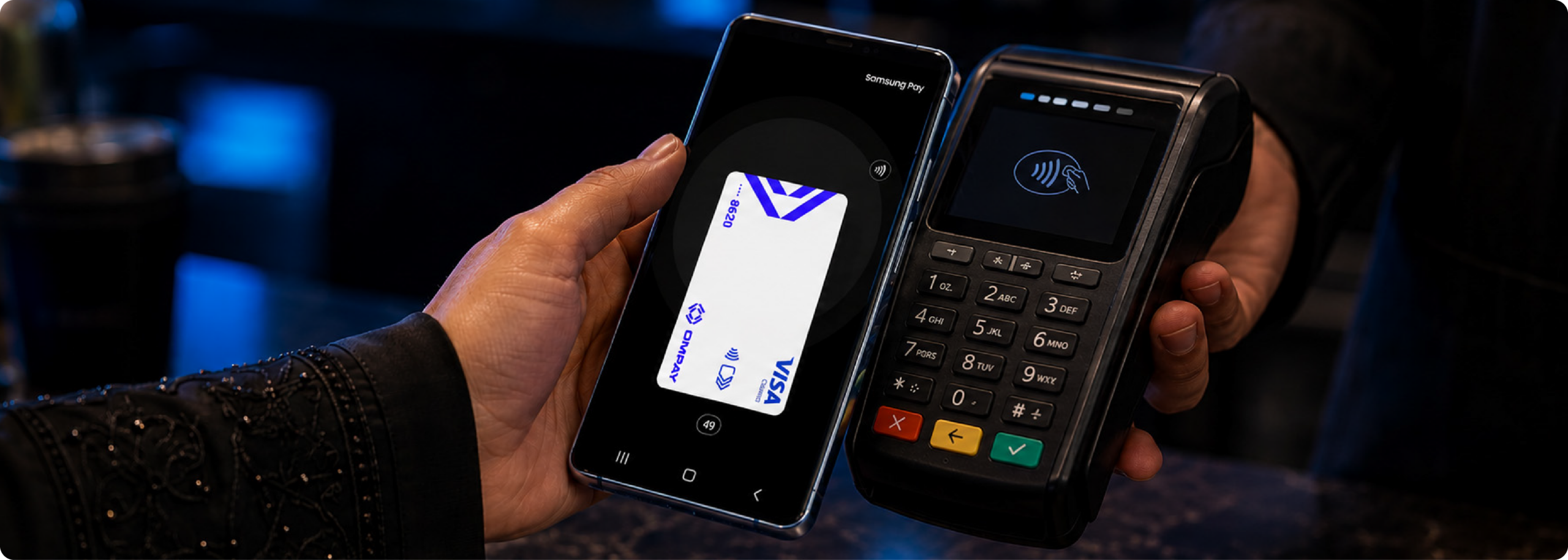
Experience the ease & convenience of seamless payments with Samsung Pay.
Samsung Pay is a simple, safe way to pay in-store and in apps using your OMPAY card , just tap your Samsung device and you're done.
Features & benefits
- Seamless & secure payments
- Accepted Internationally
- Easy and Accessible
- Easily add your OMPAY Card to your Samsung Wallet

How it works
Follow the steps on adding your OMPAY card to to Samsung Wallet
Step 1
Adding your OMPAY card
Add your OMPAY card to your Samsung Wallet through the OMPAY app.
Step 2
Complete verification
Click accept and add the card to your Samsung wallet and proceed next. Now wait for Samsung wallet to verify your card.
Step 3
Card added to wallet
You are now all set to start making payments using the Samsung Wallet!